> ## Documentation Index
> Fetch the complete documentation index at: https://helpdesk.quso.ai/llms.txt
> Use this file to discover all available pages before exploring further.
# Connect TikTok Account?
> Follow these simple steps and connect your TikTok account.
You can link either your personal or business TikTok account. When authorizing TikTok, you will be redirected to TikTok to log in and authorize Ayrshare to access your TikTok account.
## Linking TikTok
### **Go to the Manage accounts page**
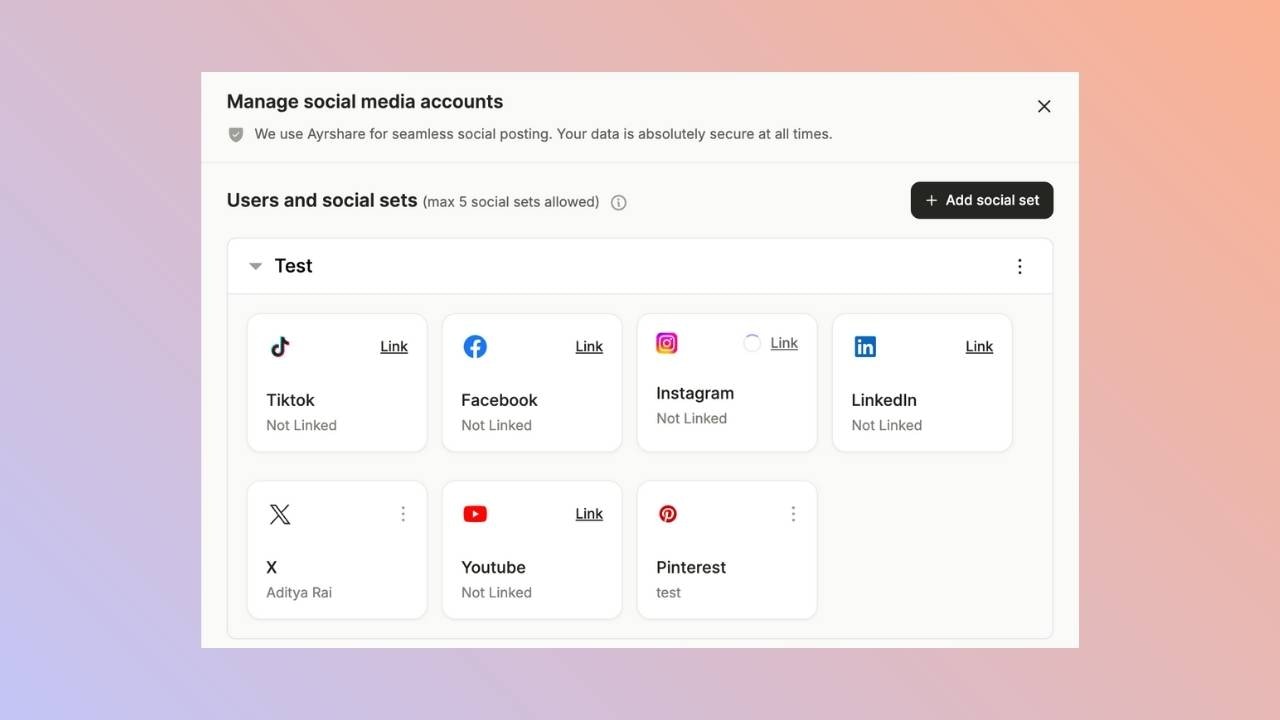
Open the manage accounts page from the social tab and click on the link button. This will open a new tab.
 ### **Click to Link TikTok**
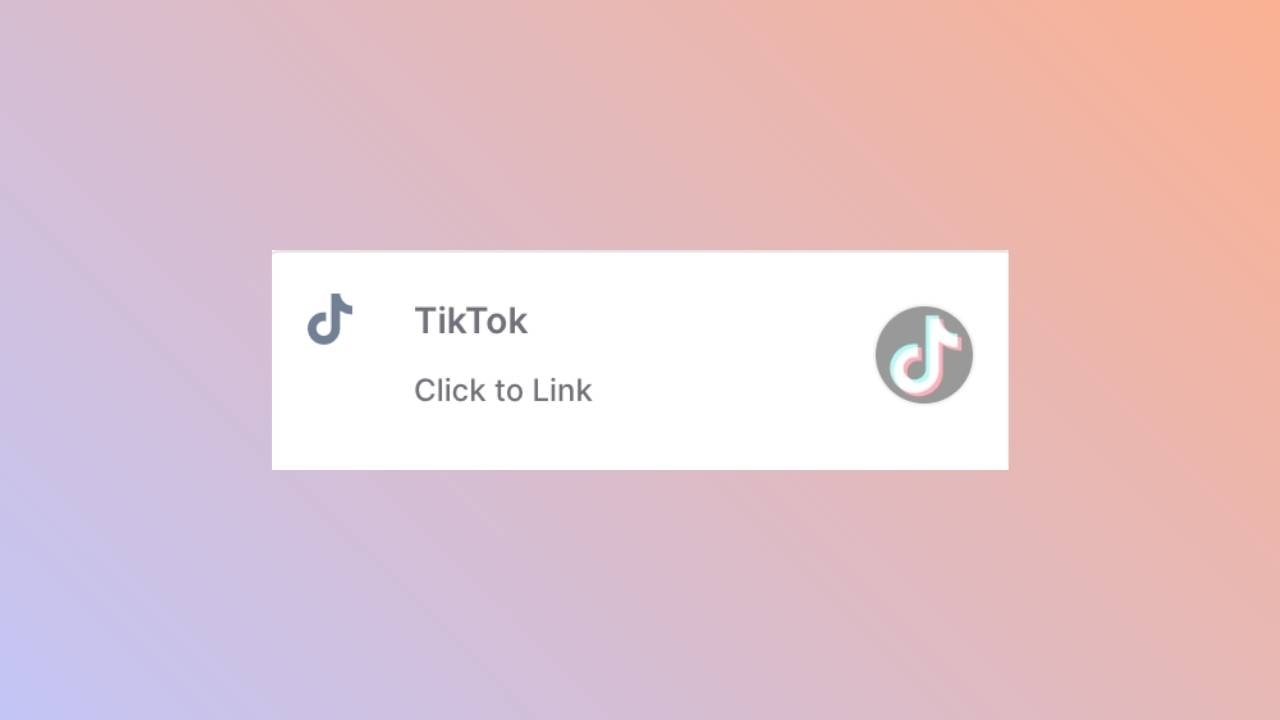
Click the TikTok icon on the Social Accounts page.
### **Click to Link TikTok**
Click the TikTok icon on the Social Accounts page.
 ### **First Time TikTok Login**
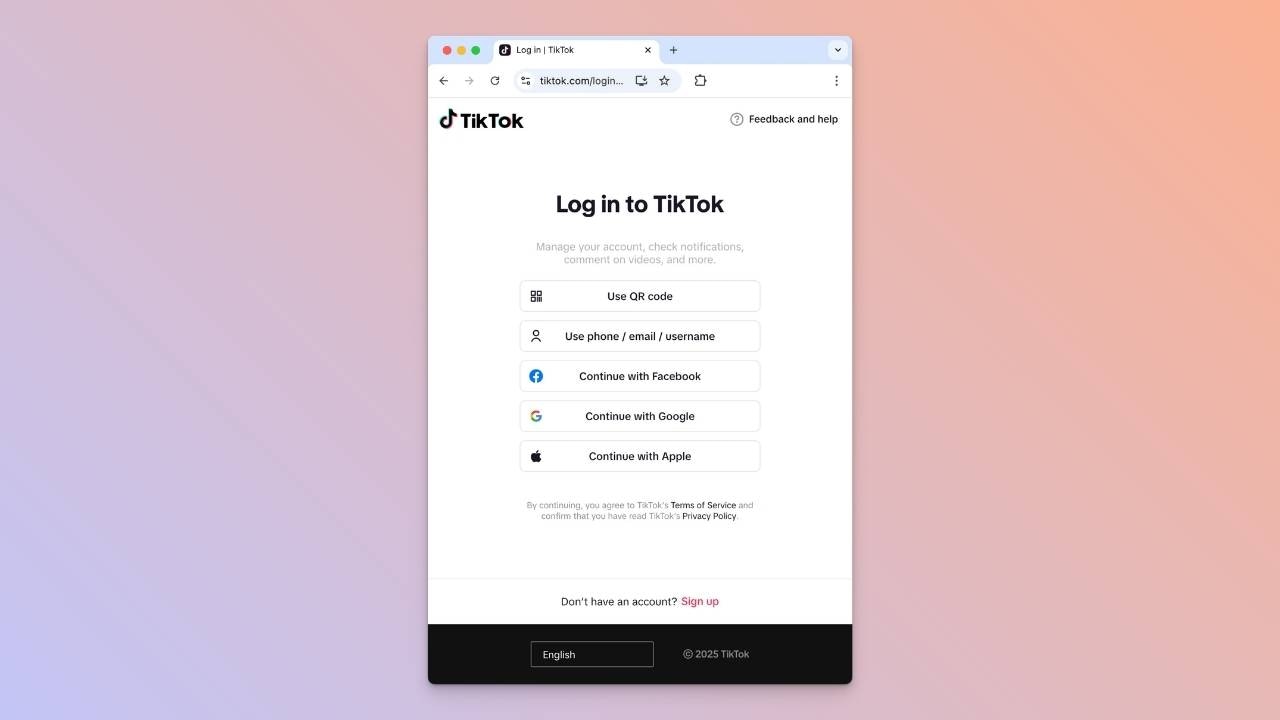
If you’re not already logged into TikTok, you’ll see the TikTok login page. Enter your credentials to log in to your TikTok account.\
If you are already logged in, please proceed to the next step.
### **First Time TikTok Login**
If you’re not already logged into TikTok, you’ll see the TikTok login page. Enter your credentials to log in to your TikTok account.\
If you are already logged in, please proceed to the next step.
 ### **Authorize Access**
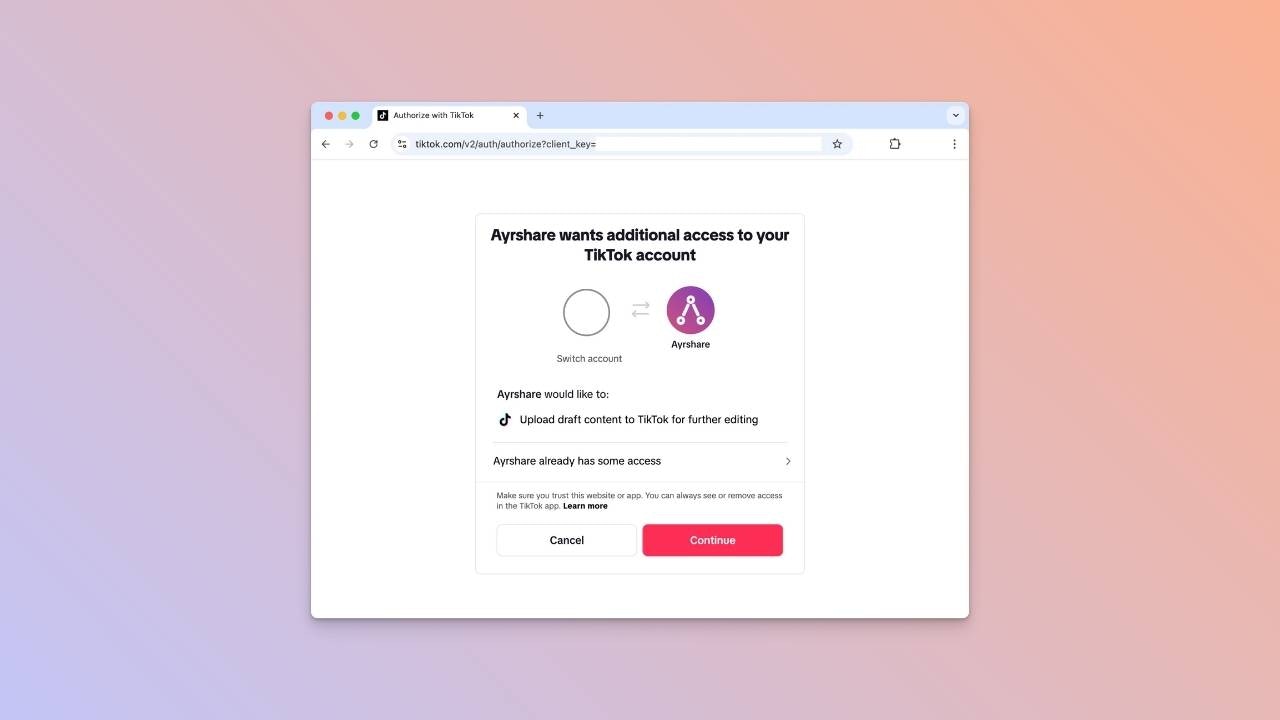
Click **Continue** to allow Ayrshare to connect to your TikTok account.
### **Authorize Access**
Click **Continue** to allow Ayrshare to connect to your TikTok account.
 ### **Confirmation**
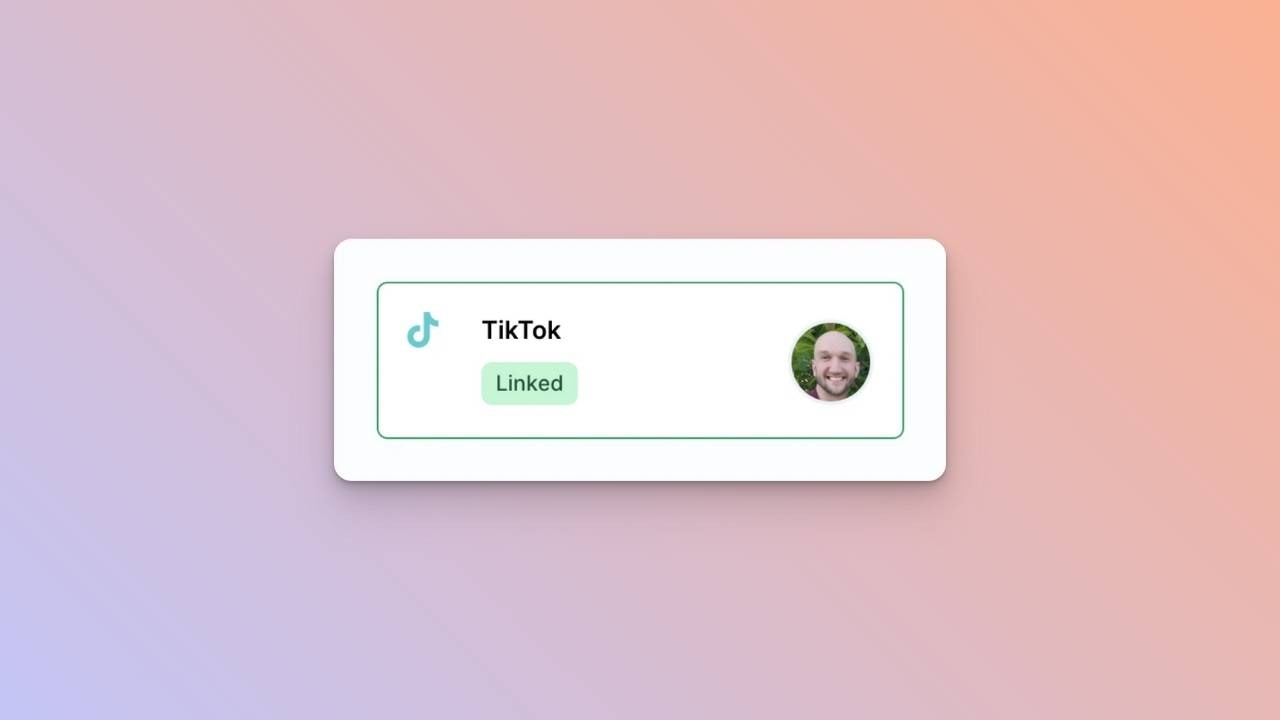
Your Social Accounts page will now be updated with your TikTok account.
### **Confirmation**
Your Social Accounts page will now be updated with your TikTok account.
 ## You're All Set!
You’ve successfully linked your TikTok account to our platform! \
You can now **post or schedule media** directly through our dashboard with ease.\
Need more help? Feel free to reach out to our support team anytime.
## You're All Set!
You’ve successfully linked your TikTok account to our platform! \
You can now **post or schedule media** directly through our dashboard with ease.\
Need more help? Feel free to reach out to our support team anytime.