You can connect a Facebook Page to quso.ai to publish and schedule videos, images and Reels to it. Publishing to Facebook is on the Essential and Growth plans. Personal Facebook profiles can’t be connected. Only Facebook Pages are supported. Facebook does not support linking your personal Facebook accounts for automatic publishing.
Please be sure you are the admin of Facebook Page and grant all permissions to Pages and selections. Failure to do so might prevent successful posting.

Go to the Manage accounts page

Open the manage accounts page from the social tab and click on the link button. This will open a new tab. Social Page Jp Click the Facebook icon on the Social Accounts page. FB Click To Link Jp
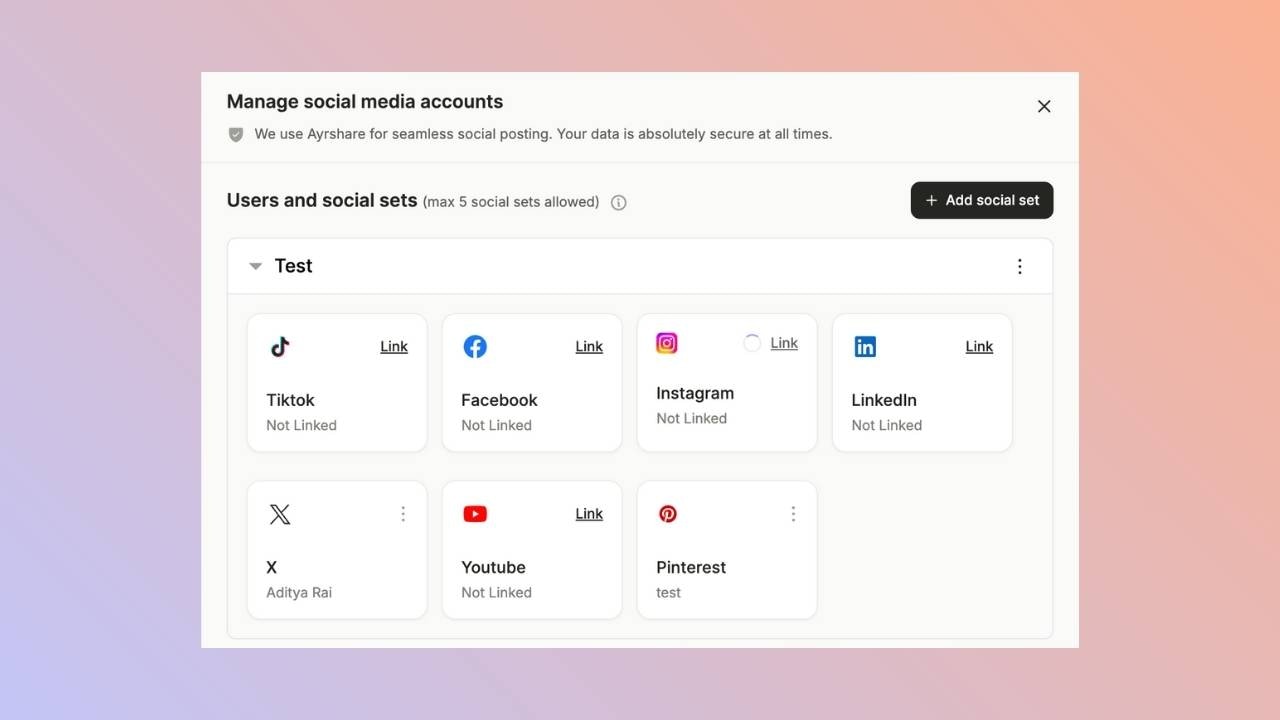
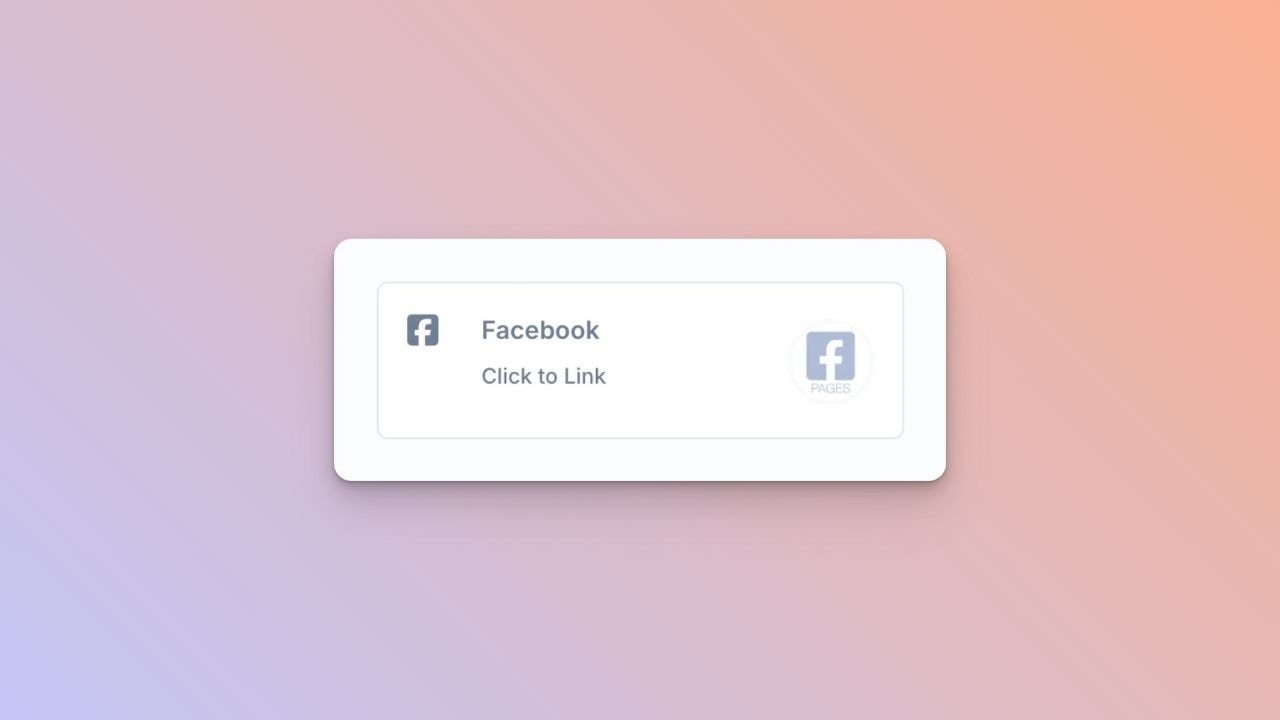
First Time Facebook Linking

A Facebook sign-in will pop-up - please be sure you allow pop-ups.
If you have already linked Facebook with Ayrshare, skip ahead.
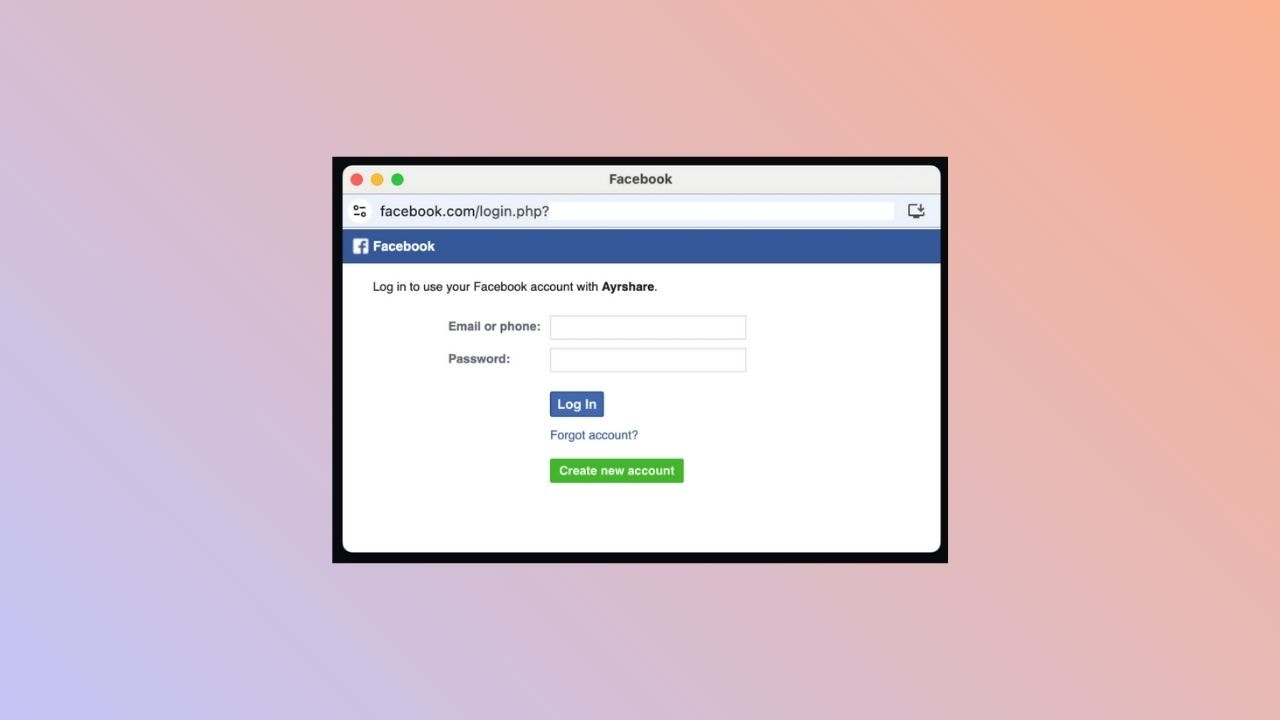
Facebook Article Login Jp

Choose a Facebook Page

Follow the instructions and select a Facebook Page to link. Click Continue as NAME on the login page. FB Approval Page Jp
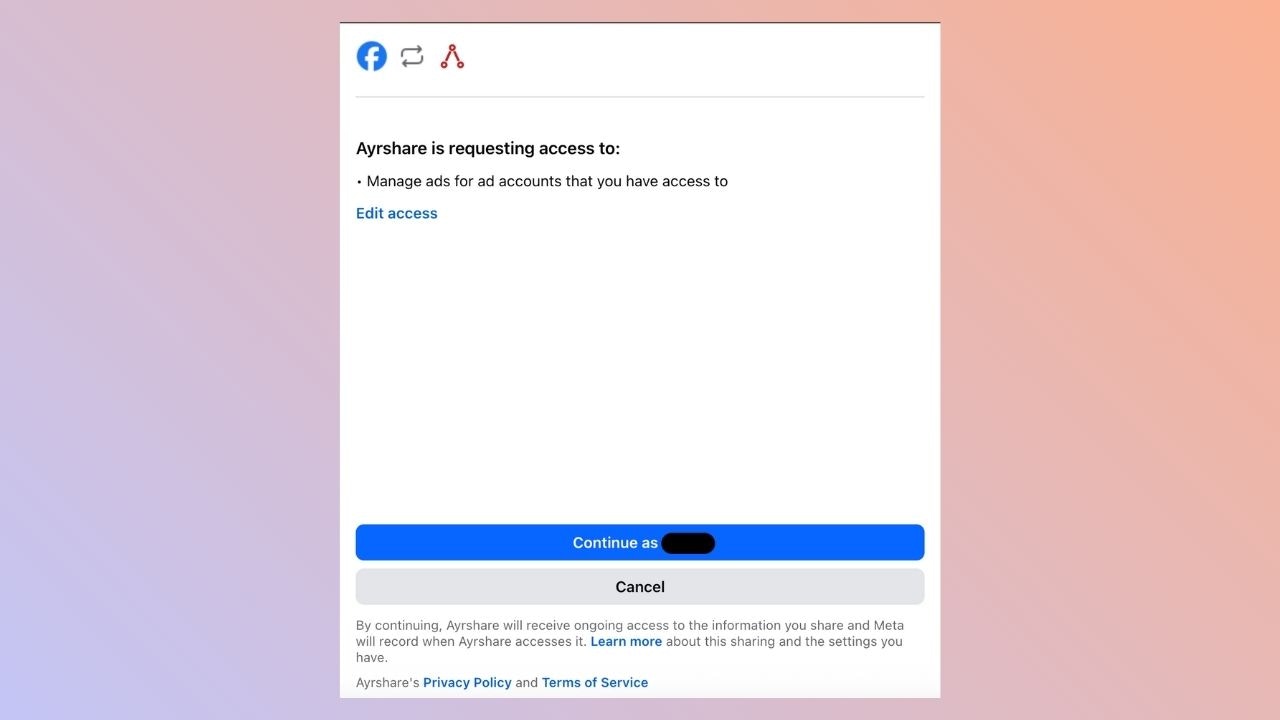
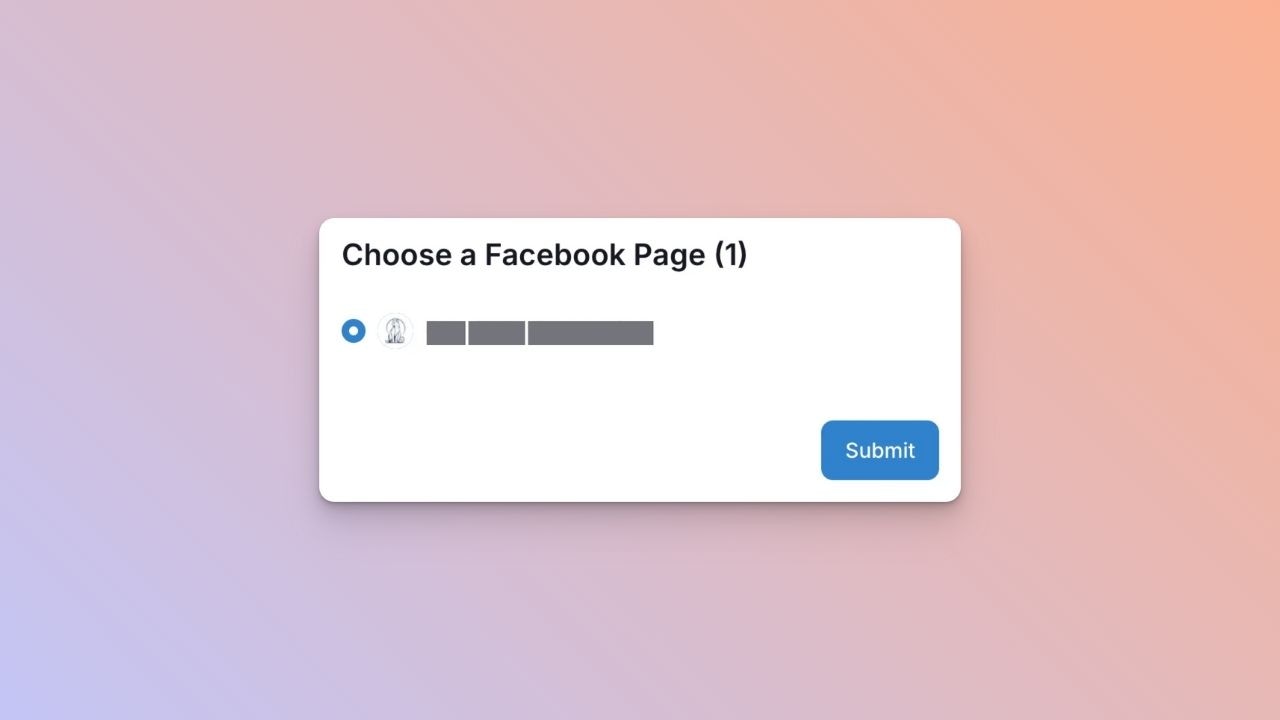
Choose a Facebook Page

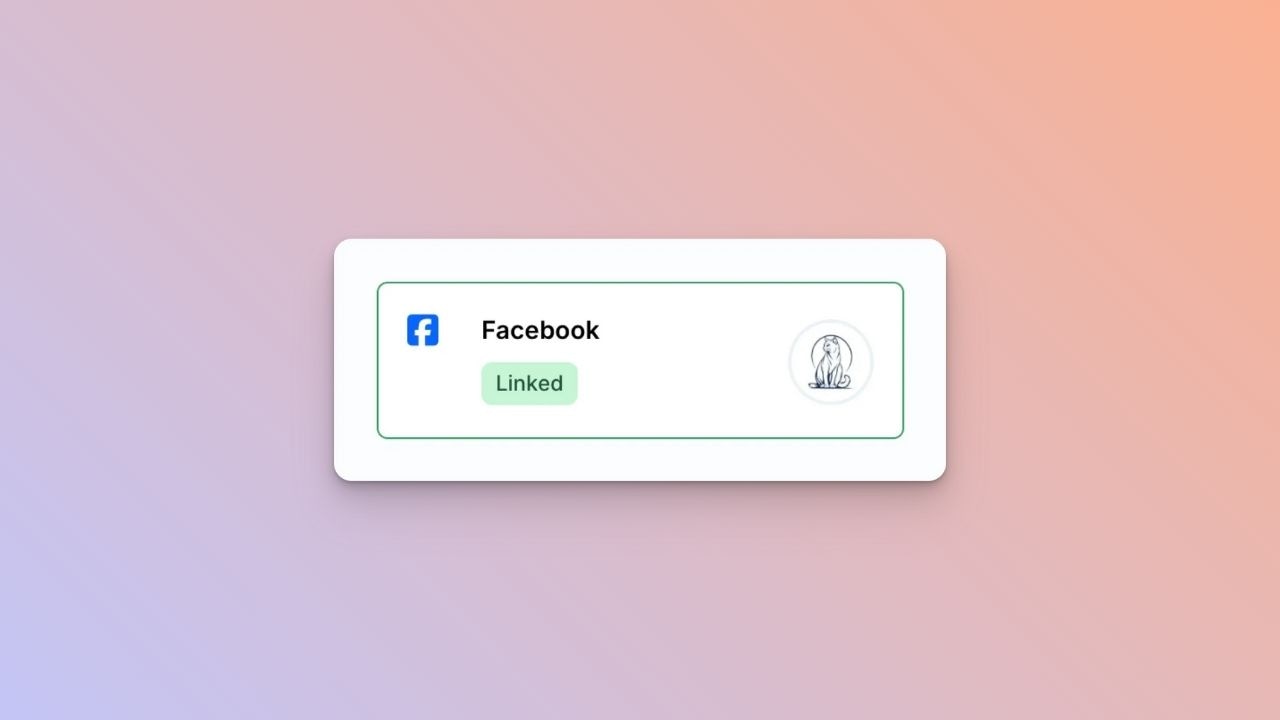
Once back at the Ayrshare dashboard, choose a Facebook page to link and click Submit. FB Page Select Jp Your Social Accounts page will now be updated with your Facebook account. FB Linked Jp
You’re All Set!

You’ve successfully linked your Facebook page to our platform!
You can now post or schedule media directly through our dashboard with ease.

Need Help?

If you run into any issues or have questions, our support team at [email protected] is just a message away.