

Storage by plan
Any extra storage you buy is added on top of your plan’s storage.
What counts toward storage
Your storage is split into three categories:-
Projects: your uploaded videos and everything made from them.
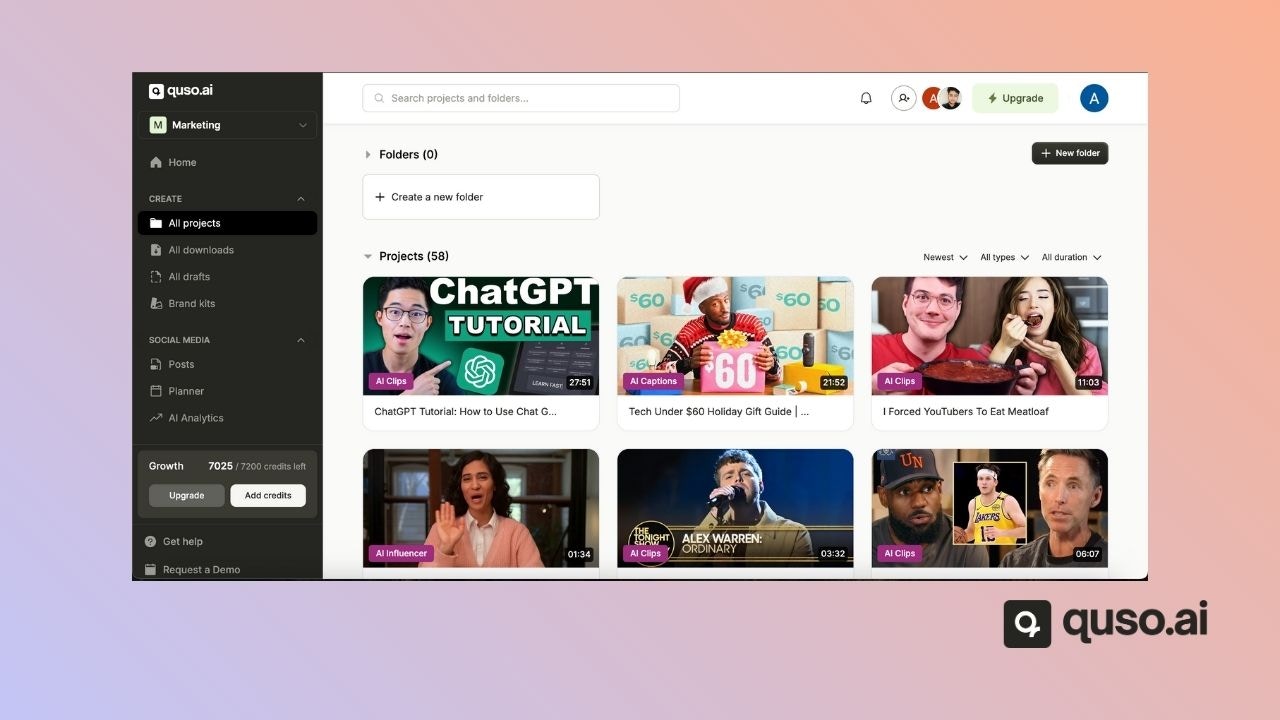
-
Downloads: the clips you have rendered.
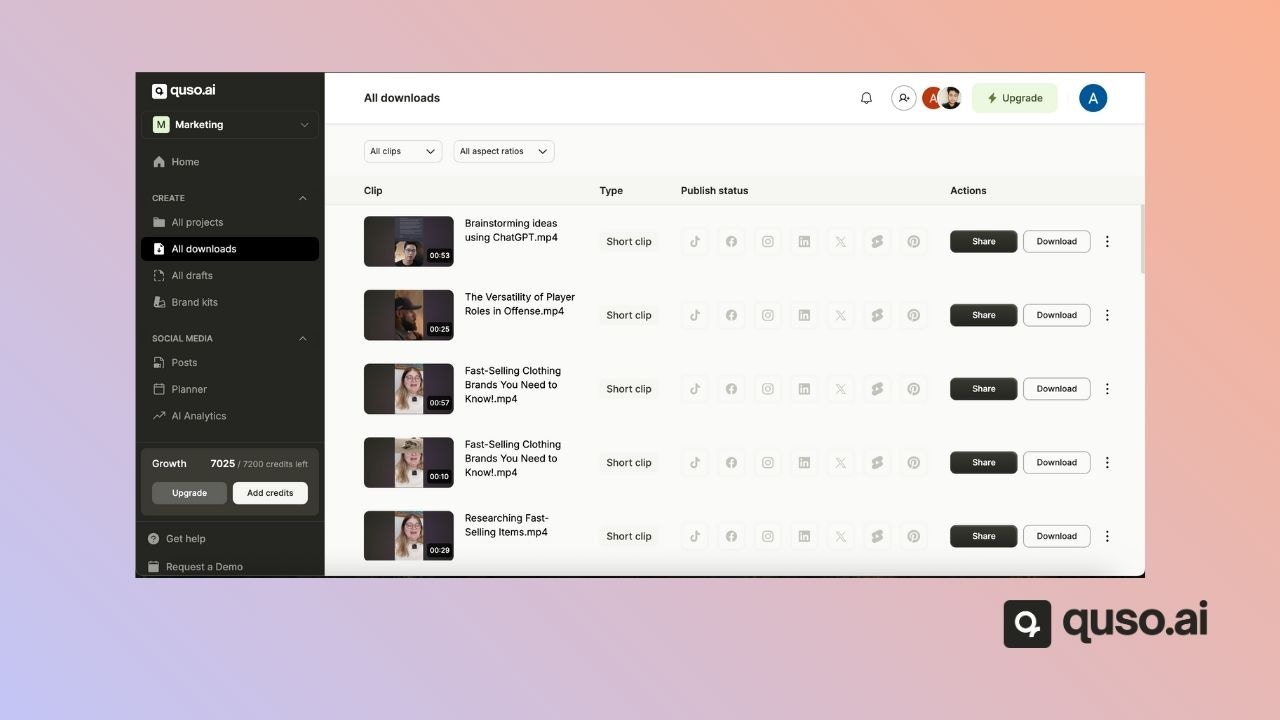
-
Brand kit assets: logos, outros, fonts, images, videos, audio files and backgrounds.
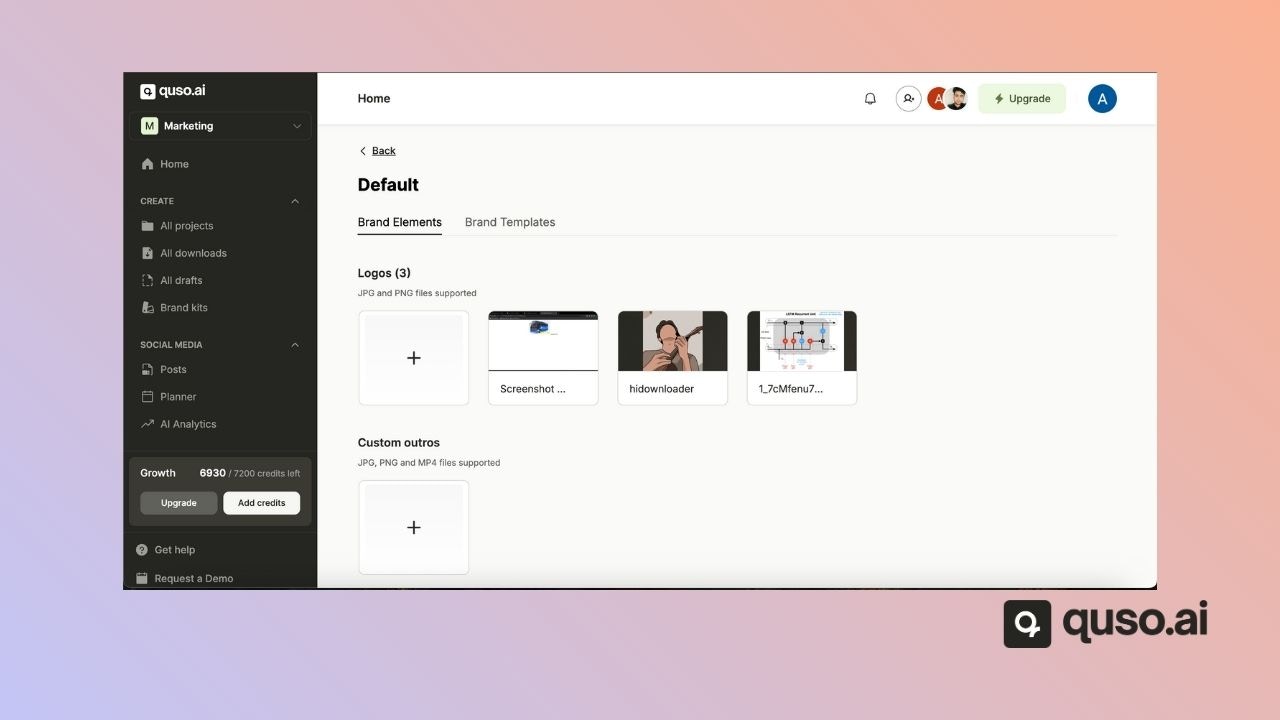
Check your storage
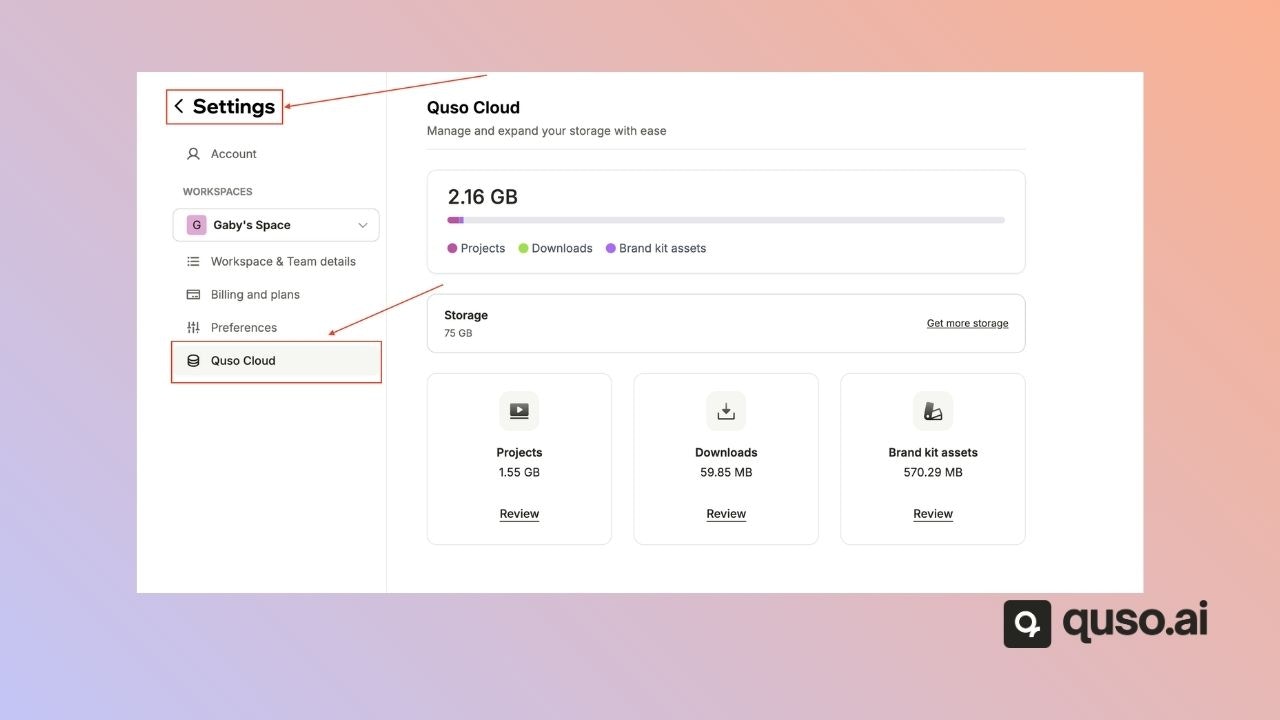
Go to Settings → Storage. You’ll see:- Your total and used storage, in GB
- How much each category uses
What happens when you run out of storage
- New projects that finish processing are locked until you free up space or add storage.
- You get an email when a project is locked.
- Deleting a locked project refunds the credits it used.
Free up space or add storage
You have two options:- Free up space: in Settings → Storage, open a category, select the items you no longer need and delete them.
- Buy extra storage: add-ons range from 50 GB to 5 TB, billed monthly, every 6 months or yearly. The price is shown before you buy. Locked projects unlock once the payment goes through.
FAQ
How long does quso.ai keep my videos?
How long does quso.ai keep my videos?
On paid plans, until you delete them. On the Free plan, projects are deleted after 7 days.
Does deleting a project give my credits back?
Does deleting a project give my credits back?
Only for projects that were locked because you were out of storage. Failed imports are refunded automatically.