

Upgrade your plan
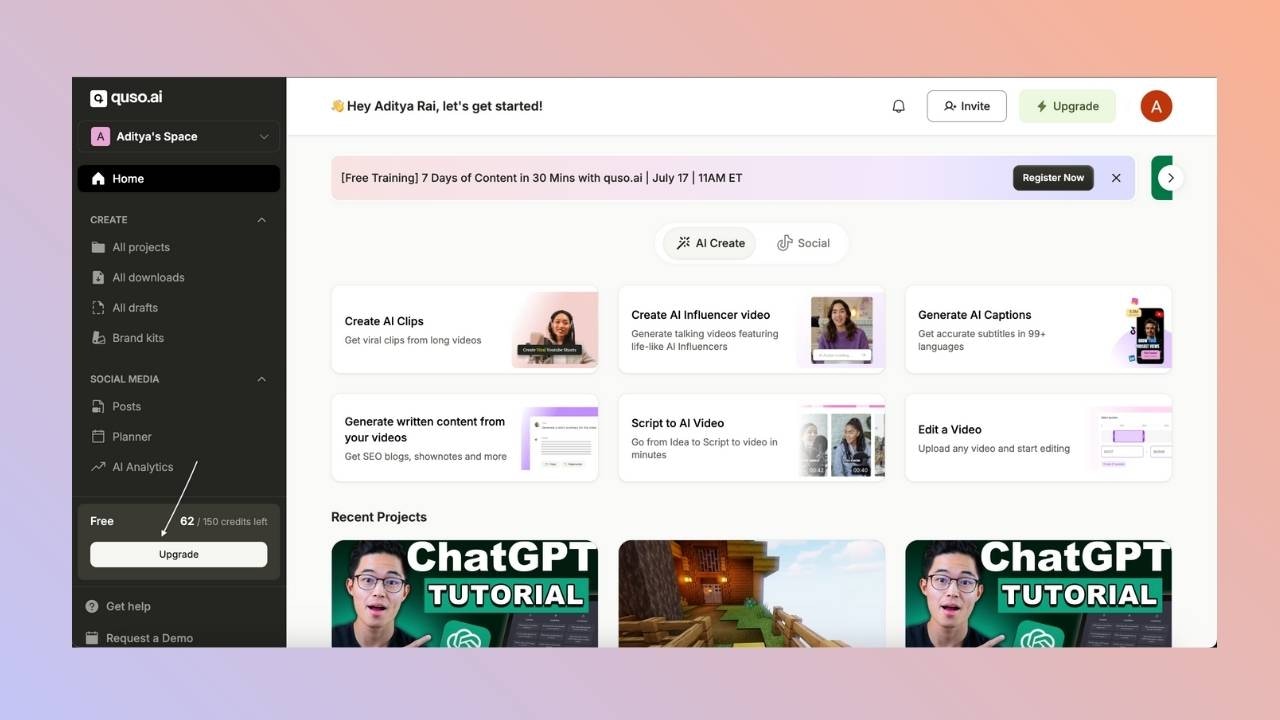
- Click Upgrade at the bottom left of the home page.
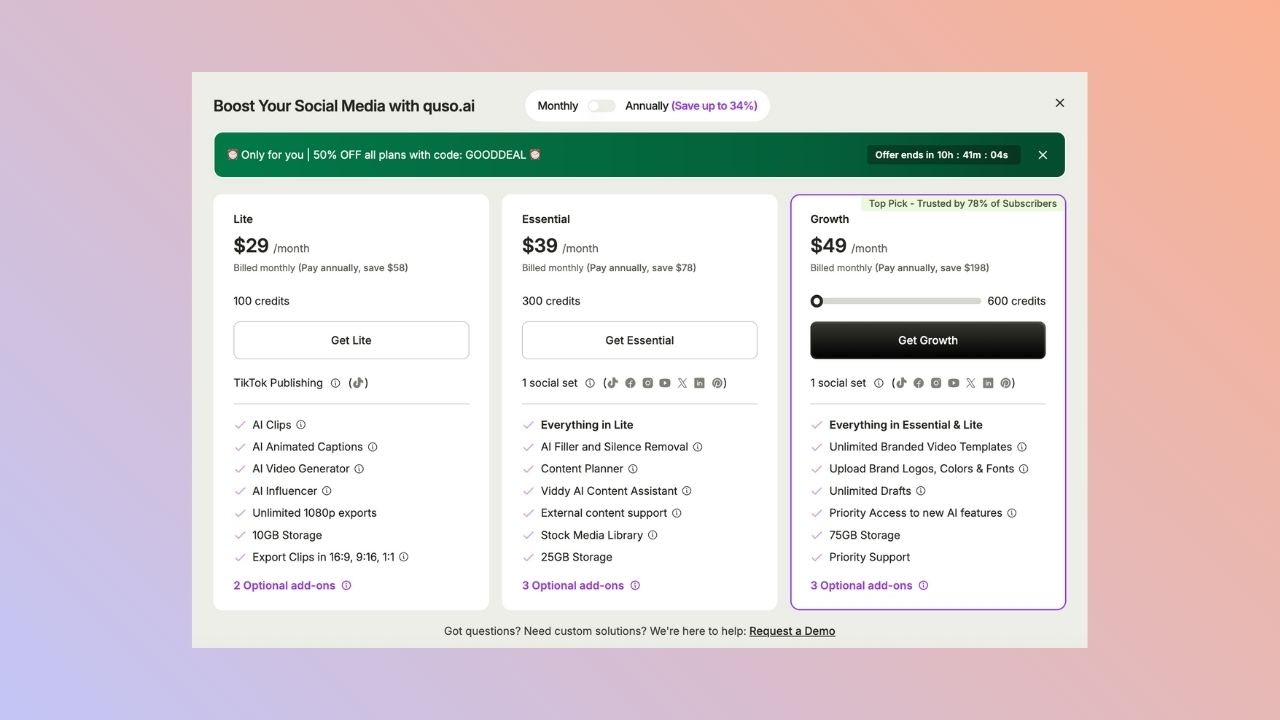
- Choose the plan you want. You can also switch between monthly and annual billing here.
- Confirm the payment. Your new plan and its credits are active as soon as the payment goes through.
Downgrade your plan
- Click Upgrade at the bottom left of the home page.
-
Select the lower plan you want to move to.
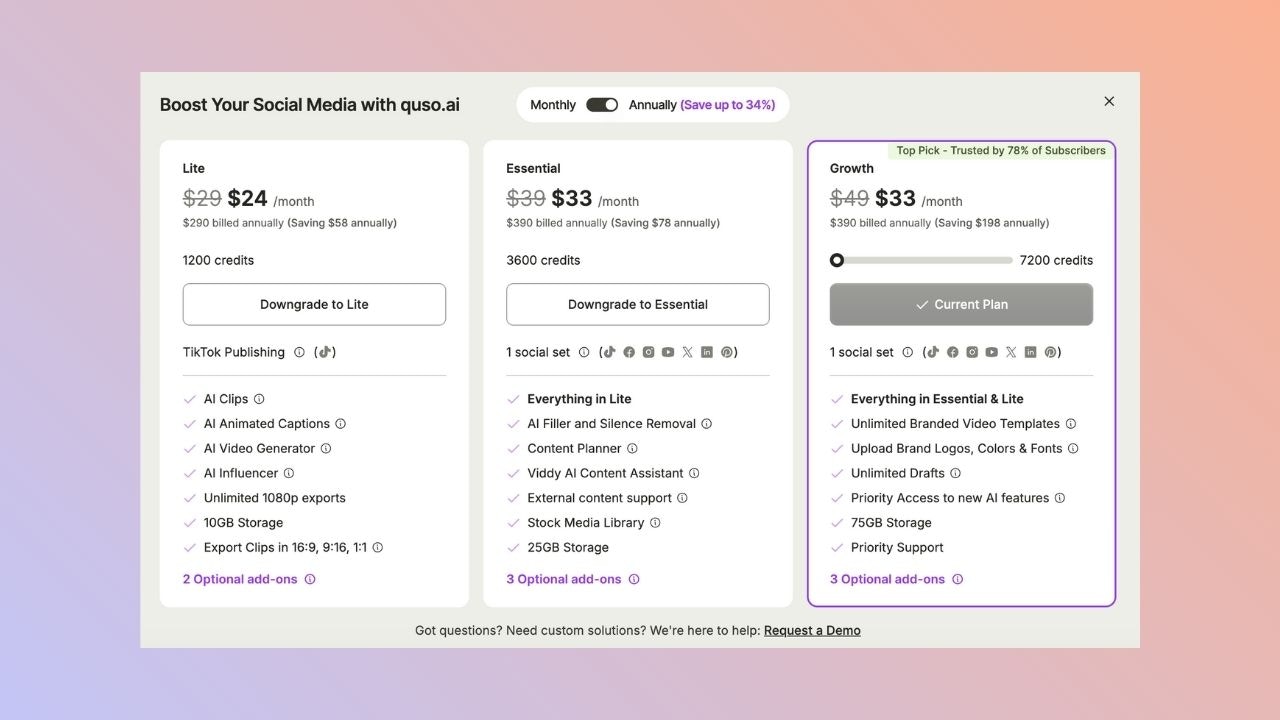
- Confirm the change.
Monthly credit plans
If you are on a monthly credit plan (for example 400 credits a month):- Moving to a higher credit tier charges the new price right away, with no proration.
- Moving to a lower tier takes effect at your next renewal, and nothing is charged now.
- To move from yearly to monthly billing, email [email protected].
Cancel your plan
- Go to Settings → Billing & Plans.
- Click Cancel Plan and follow the steps.
FAQ
Do I lose my credits when I upgrade?
Do I lose my credits when I upgrade?
No. You get the new plan’s credits as soon as the upgrade goes through.
When does a downgrade take effect?
When does a downgrade take effect?
Right away on monthly and annual plans, with the unused time credited to your next bill. On monthly credit plans, a downgrade starts at your next renewal.
Can a team member change the plan?
Can a team member change the plan?
No. Only the workspace owner can change the plan or buy add-ons. Members see a message asking them to contact the owner.