

AI Headline is available for AI Clips projects.
What the headline looks like
- Bold black text in a white rounded box, centered near the top of the video.
- It sits above the speaker and stays clear of your captions.
- It fits every aspect ratio: on portrait and square clips it spans most of the width; on landscape clips it wraps to about 2 lines. Longer headlines shrink to fit the box.
- On clips shorter than 5 seconds, the headline ends with the clip.
- If your clip uses a template that already has its own title slot, the template keeps its own style and timing and simply shows the AI headline text. A clip never shows two titles.
Turn on AI Headline when you import a video
Step 1: Start an AI Clips project
- Upload or import your video and choose AI Clips.
Step 2: Switch on the headline
- Under AI Video Tools, turn on Open every clip with an AI headline.
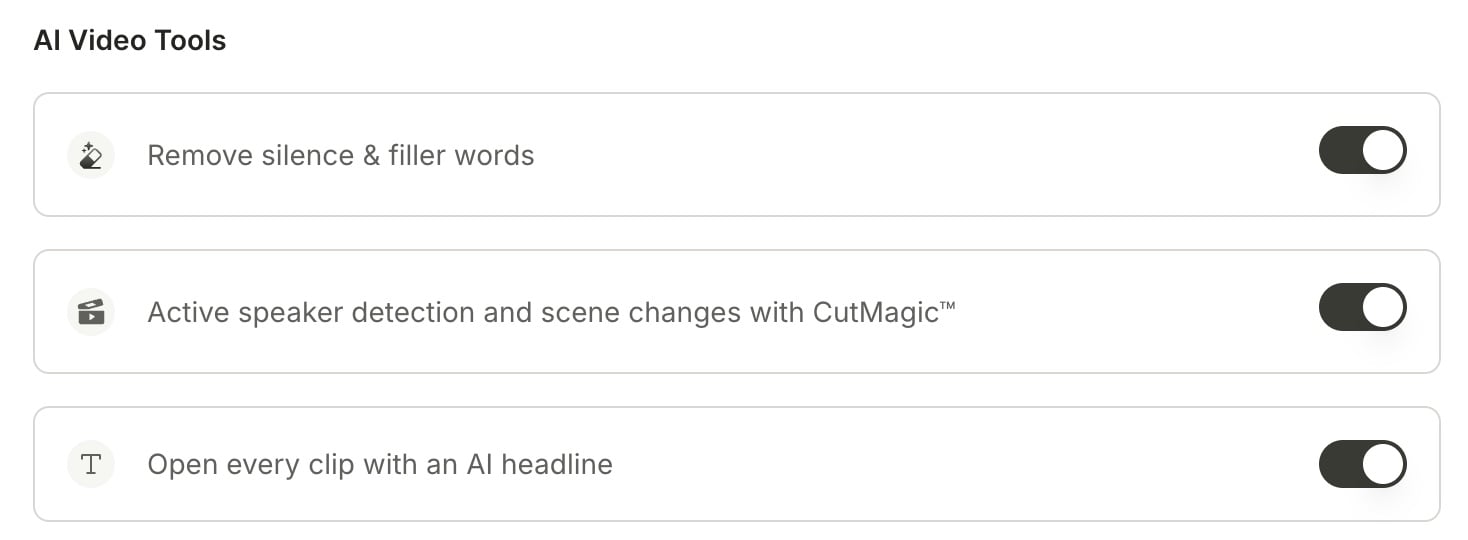
Turn AI Headline on or off after your clips are ready
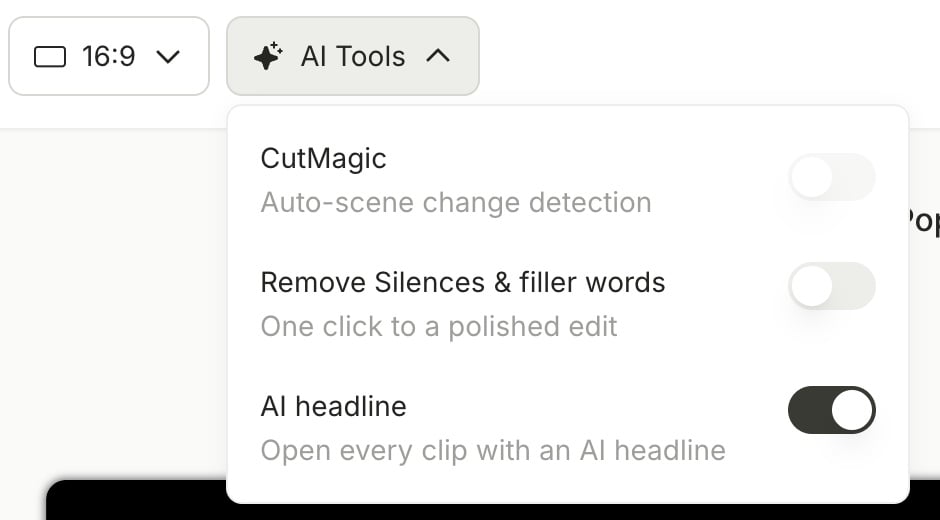
The headline is one switch for the whole project. Turning it on or off applies to every clip in the project.- On the page with all your clips, click AI Tools at the top.
- Find AI headline and turn the switch on or off.
Edit the headline on a single clip
The headline is a regular text layer, so you can change it like any other text on your video.Step 1: Open the clip in the editor
- Choose the clip and click Edit.
Step 2: Open the text tool
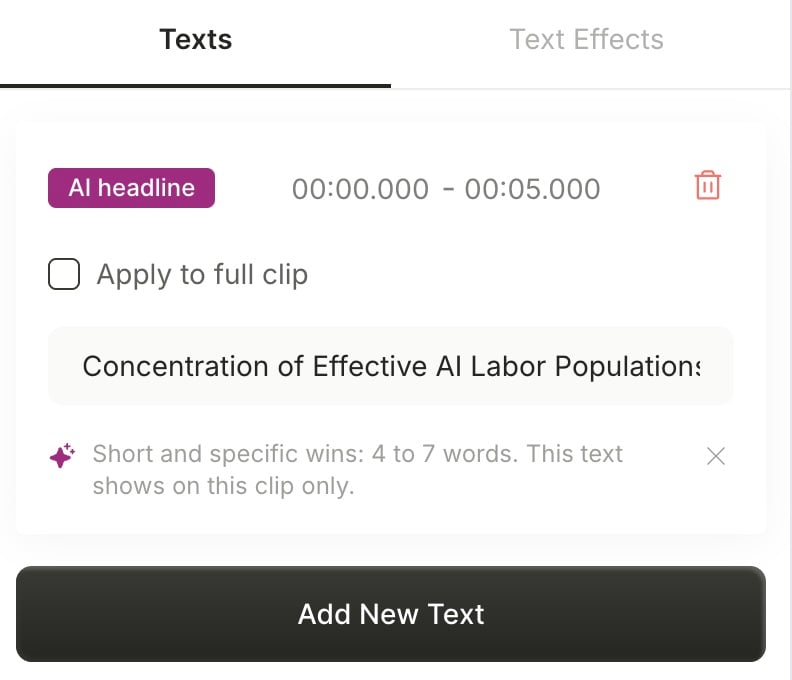
- In the editor’s left-hand navigation bar, click the T icon. The headline is marked with an AI headline badge.
Step 3: Reword, retime, or restyle it
- Reword: edit the text. Your new wording applies to this clip only.
- Retime: change the start and end time if you want it to show for longer or later.
- Restyle: change the font, color, and effects with the normal text tools. See Change text style and effects.
Remove the headline from a clip
- In the text tool, delete the layer marked AI headline.
FAQ
Why don't I see a headline on my clips?
Why don't I see a headline on my clips?
AI Headline may be off for this project. Click AI Tools on the page with all your clips and turn on AI headline. AI Headline works on AI Clips projects only.
If I change the headline on one clip, do the other clips change?
If I change the headline on one clip, do the other clips change?
No. Each clip has its own headline text. Only the on/off switch applies to the whole project.
Does turning it on in one project turn it on in all my projects?
Does turning it on in one project turn it on in all my projects?
No. Each project has its own switch. On the import screen, quso.ai starts from your last choice.