

Supported link sources
Paste a link to a single video from any of these sites:
Live streams can’t be imported while they are live. Wait until the broadcast has ended and import the recording.
Links from Instagram, TikTok, Reddit, Pinterest, Snapchat, Dailymotion, Spotify, Kick and Riverside are not supported. Download the video and upload the file instead.
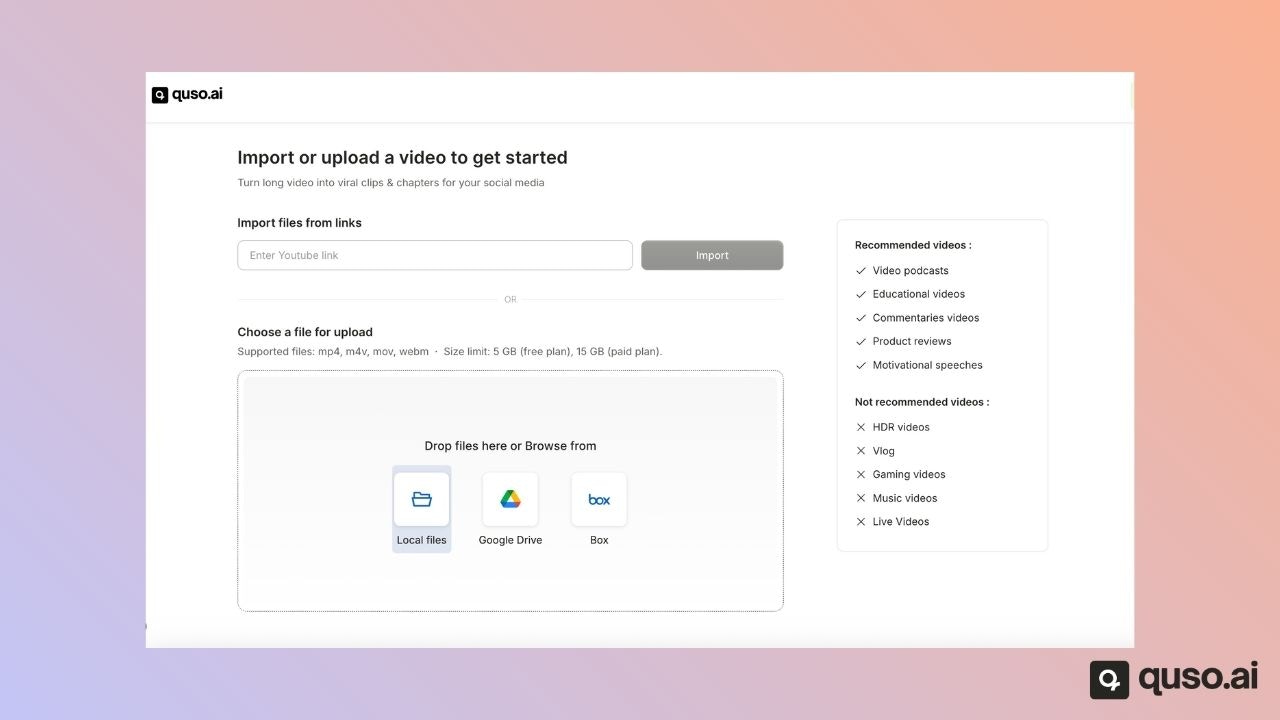
Import from Google Drive or Box
On the upload screen, choose Google Drive or Box, sign in, allow quso.ai to read your files, and pick the video.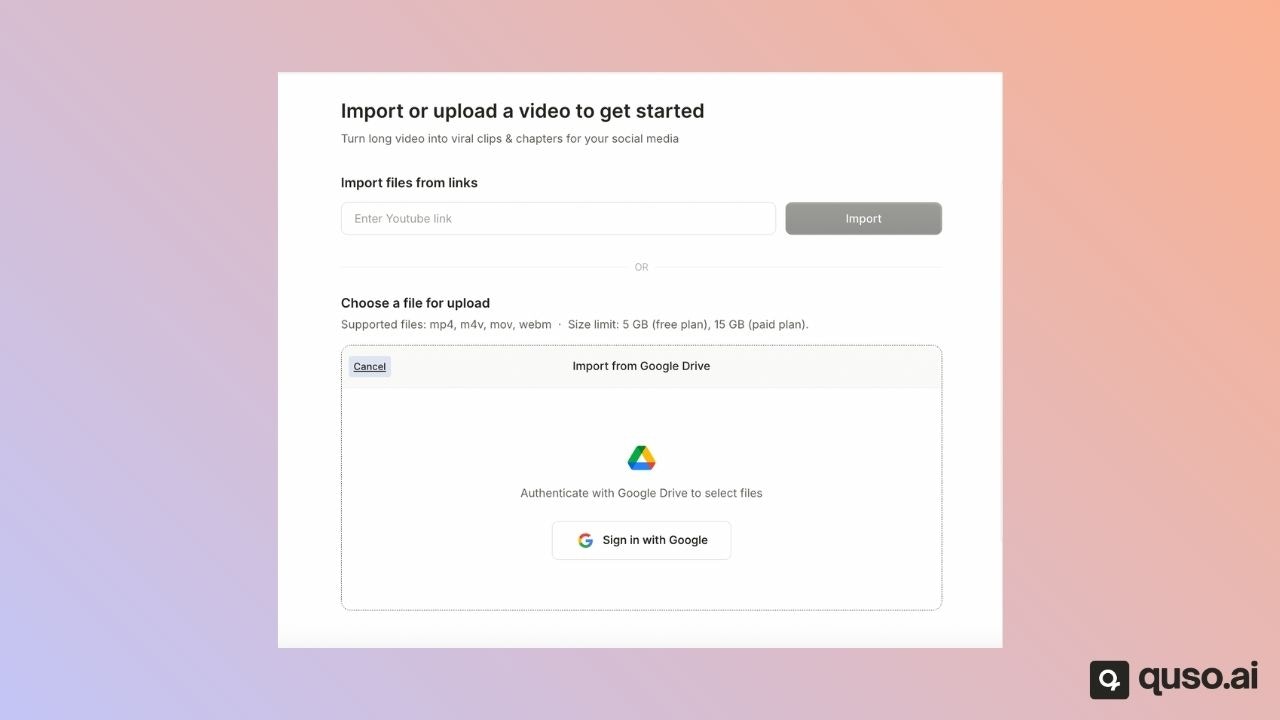
Upload a file from your device
Drag a file onto the upload screen or browse to it. Supported formats: MP4, MOV and WebM. AI Writer also accepts MP3, WAV and AAC audio files. Maximum file size:
Large uploads resume automatically if your connection drops for a moment. If your file is bigger than the limit, compress or trim it first.
How long can a video be?
The longest video you can import is limited by the credits you have left, since 1 credit covers 1 minute. On the Free plan, your first import can be up to 150 minutes. Links from Twitch, Vimeo, Loom, Dropbox, X, Facebook, LinkedIn and Rumble can be up to 4 hours long. See Video length & types.FAQ
Can I import a Twitch VOD into quso.ai?
Can I import a Twitch VOD into quso.ai?
Yes. Paste the link to the past broadcast (VOD) or to a Twitch clip. A link to a channel page, or to a stream that is still live, won’t work.
Why does my YouTube link say it is not supported?
Why does my YouTube link say it is not supported?
The link must point to one public or unlisted video. Channel, playlist and search links are rejected, and private videos can’t be read.
Can I import an MKV or AVI file?
Can I import an MKV or AVI file?
Not directly. Convert it to MP4, MOV or WebM and upload it again.
Can I import a podcast audio file?
Can I import a podcast audio file?
AI Writer accepts MP3, WAV and AAC. AI Clips and AI Captions need a video file.