

🤖 What Is Viddy
Think of Viddy as ChatGPT for your video, trained to write social media content. It reads the transcript of your project, so every answer is based on what was actually said.🧠 What Can Viddy Do?
- Transcript Analysis
Viddy automatically scans your video transcript and identifies contextually rich segments — such as hooks, insights, key takeaways, and quotable moments. - Prompt-Based Content Creation
Just ask! Use natural prompts like:- “Write a LinkedIn post from this video.”
- “Summarize the key insights in 3 bullet points.”
- “Create a blog intro based on this section.”
Viddy responds with contextual, ready-to-use content.
- Content Formats You Can Generate
- Social media posts (LinkedIn, Twitter/X, Instagram)
- Video summaries
- YouTube descriptions
- Newsletters
- Blog outlines or full drafts
- Clip titles or viral hooks
- SEO content ideas
- Instant Editing & Rewrites
Want to change the tone, tighten the copy, or simplify the language? Viddy can rewrite the generated output instantly—just prompt it again or press “Improve with Viddy”.
✍️ Why Use Viddy?
- 🚀 Create Faster – Go from raw video to publish-ready copy in minutes.
- 💡 Repurpose Efficiently – Turn every video into multiple content pieces.
- 🔍 Find the Gold – Viddy highlights what matters most, so you don’t have to dig through footage.
- ✨ Stay Consistent – Maintain your brand’s voice and tone with customizable prompts.
🛠 How to Use Viddy
-
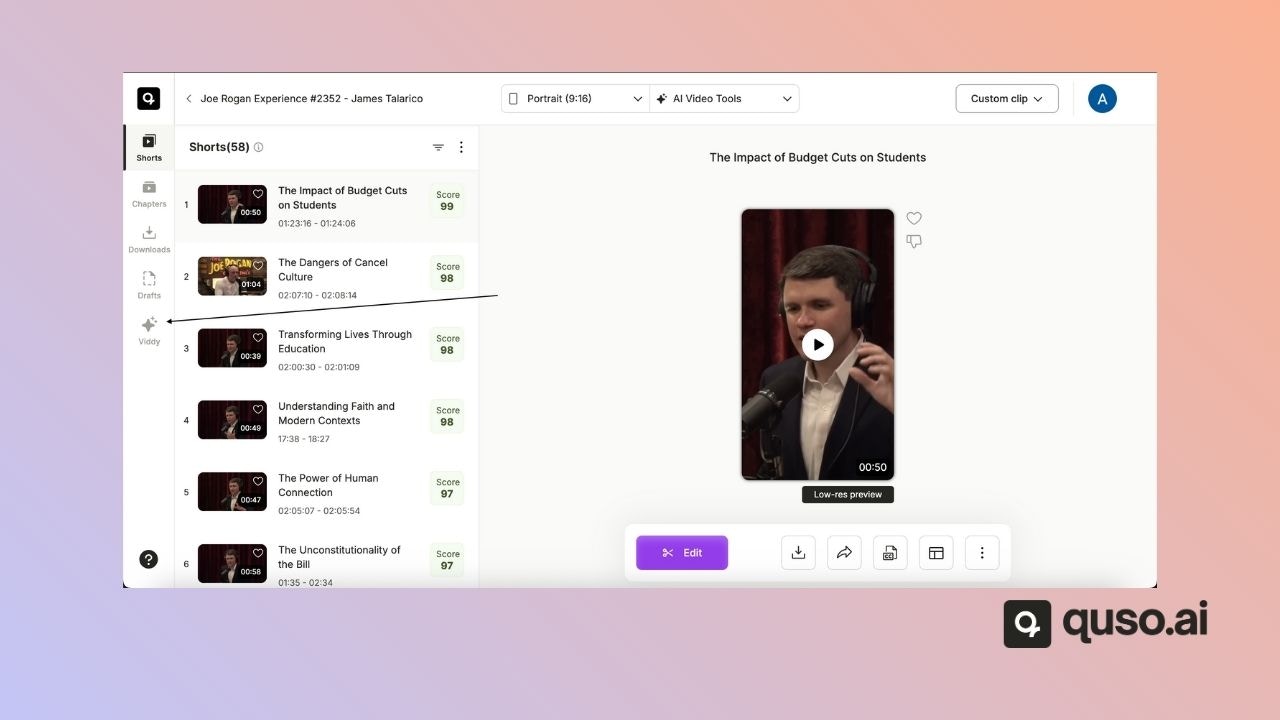
Open an AI Writer project and click Viddy in the side menu.
-
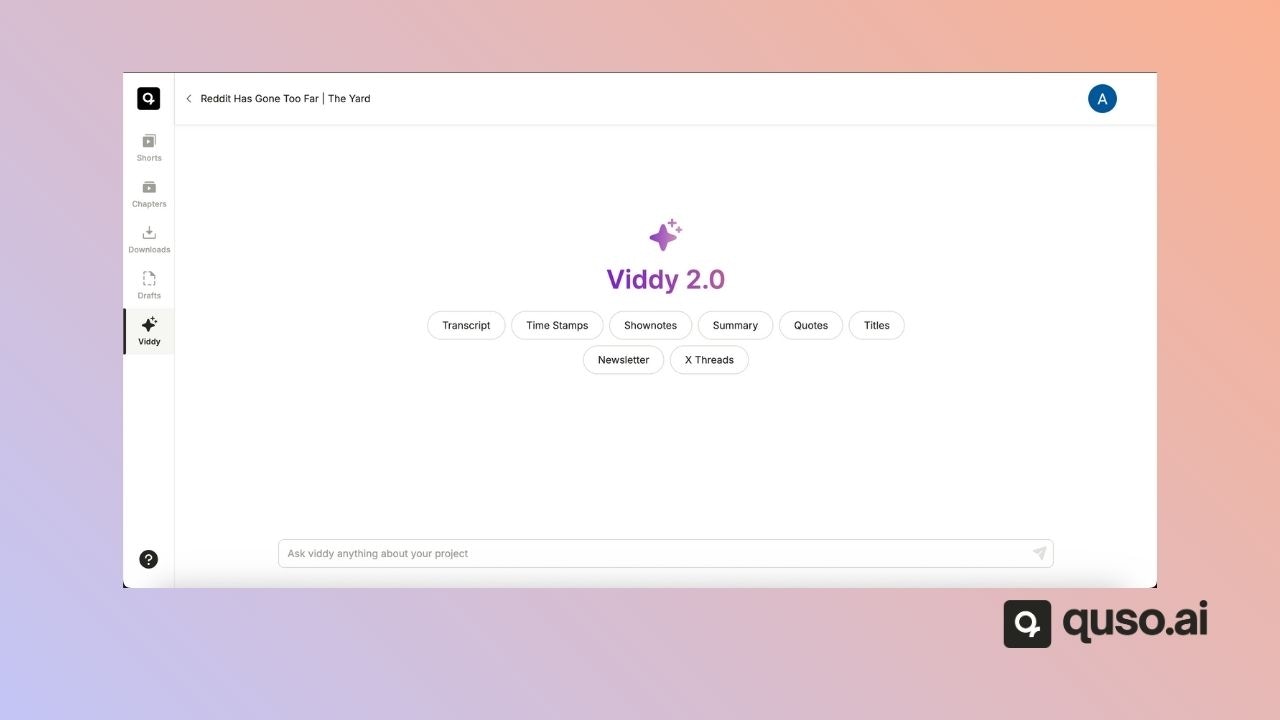
Type a prompt, like “Generate a blog outline” or “Draft LinkedIn captions”, or pick a suggestion: Transcript, Time Stamps, Shownotes, Summary, Quotes, Titles, Newsletter or X Threads.
- Review and edit the generated content. Use “Revert changes” if needed.
- Use the Copy button to paste the content wherever you need it.