

What you get from one video
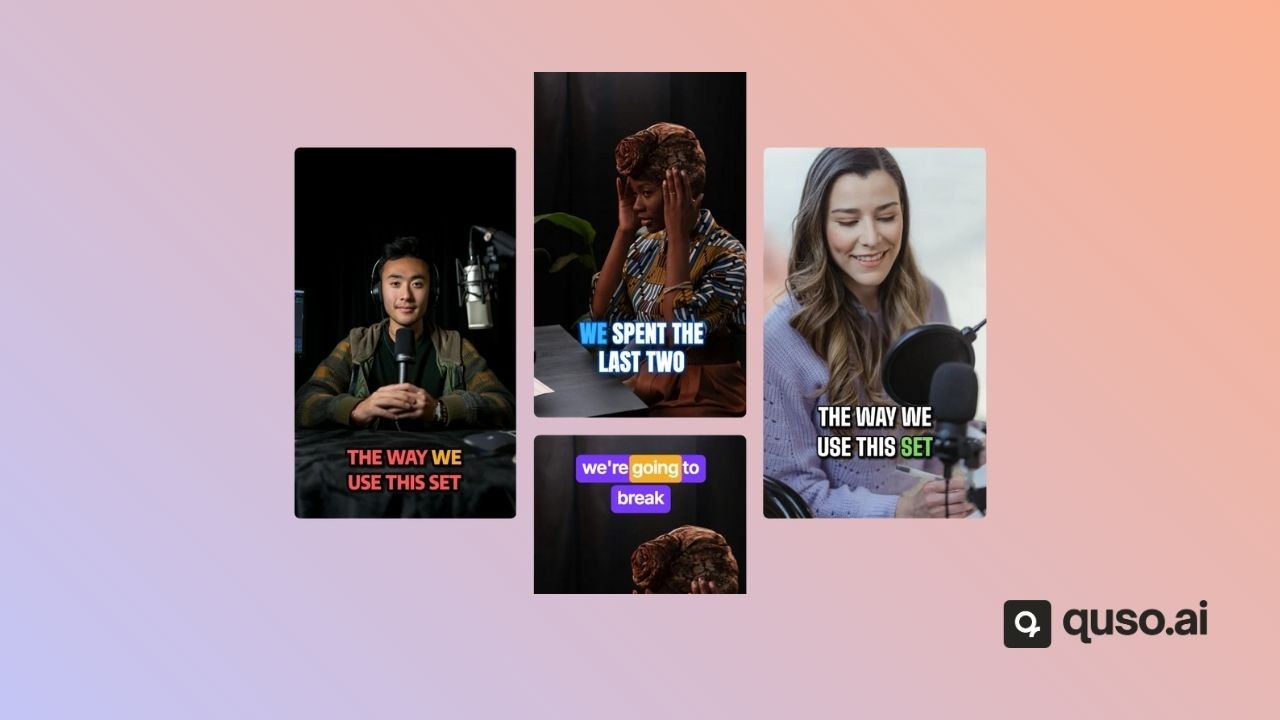
- Short clips, usually about 20 to 65 seconds each, with animated captions.
- Chapters: longer 16:9 sections of the video, for YouTube or long-form use.
- A virality score out of 100 on each clip, with grades for Trends, Hook & Flow, Engagement and Shareability (paid plans). See Virality score.
- An editable, word-level transcript you can make custom clips from.
How AI Clips picks moments
AI Clips reads the transcript of your video and looks for natural hooks, complete thoughts, emotional peaks and useful takeaways. It removes near-duplicates, ranks the clips and gives each one a score. Telling it the content type, number of speakers and keywords on the import screen helps it choose better moments.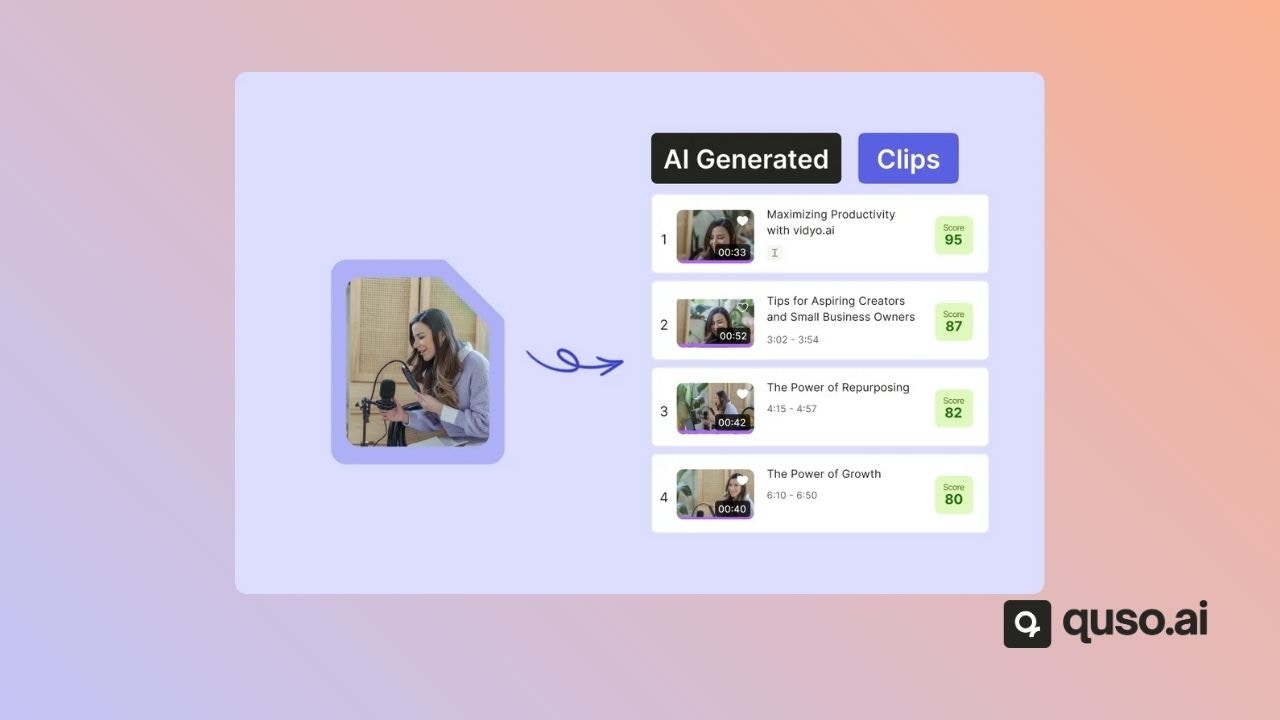
Customize every clip
- Aspect ratios: 9:16, 1:1 and 16:9, plus a 9:16 split layout.
- Templates and brand kits for captions, fonts, colors and logos. See Brand kit & templates.
- CutMagic reframes multi-camera and screen-share video so the speaker stays in frame.
- AI Headline opens each clip with a short headline.
- Filler word & silence removal on Essential and Growth.
Publish from the same place
Download your clips, or publish and schedule them to your connected social accounts. The Free and Lite plans publish to TikTok; Essential and Growth schedule to 12 networks. See Subscription plans.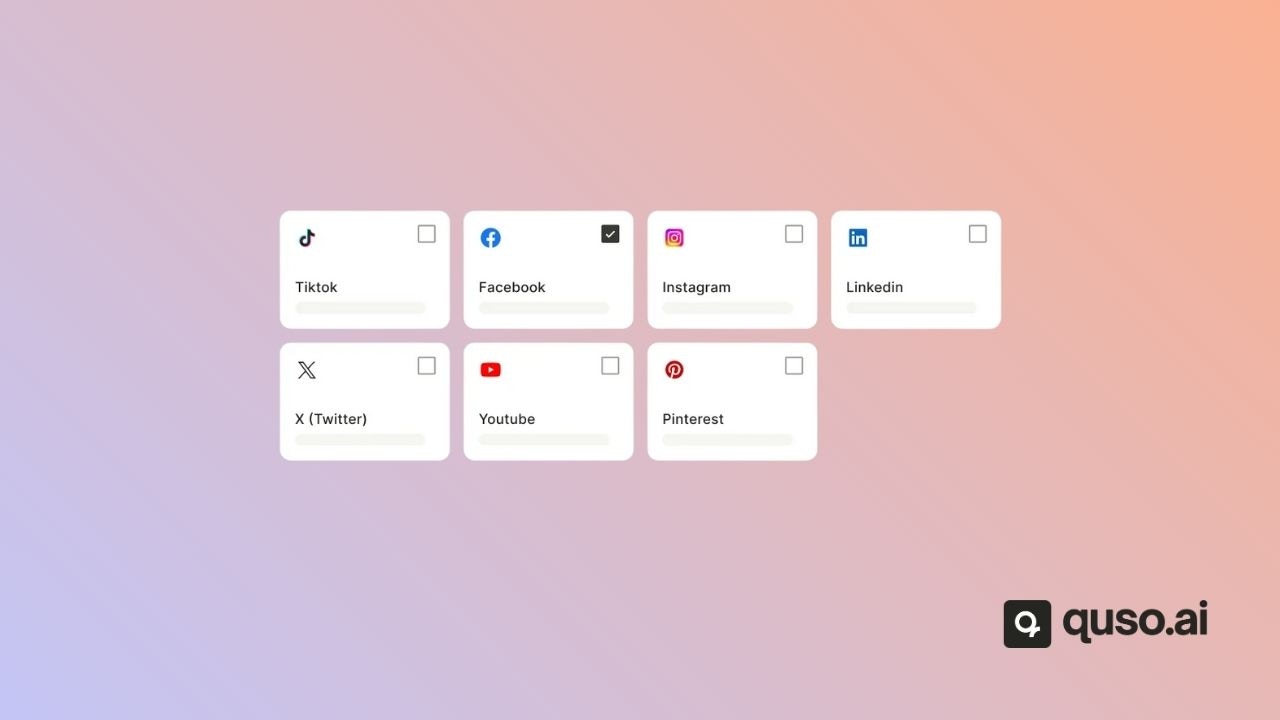
FAQ
Is AI Clips free?
Is AI Clips free?
Yes. AI Clips is on the Free plan, which gives 75 credits a month. Free exports are 720p with a watermark; paid plans export 1080p with no watermark.
Which languages does AI Clips support?
Which languages does AI Clips support?
19 languages, including 4 English variants. See Video languages supported.
Does AI Clips work on gameplay or music videos?
Does AI Clips work on gameplay or music videos?
Only if there is speech. AI Clips finds moments from what is said, so videos without speech produce few or no clips.
How to use AI Clips
Step-by-step guide to your first AI Clips project.